
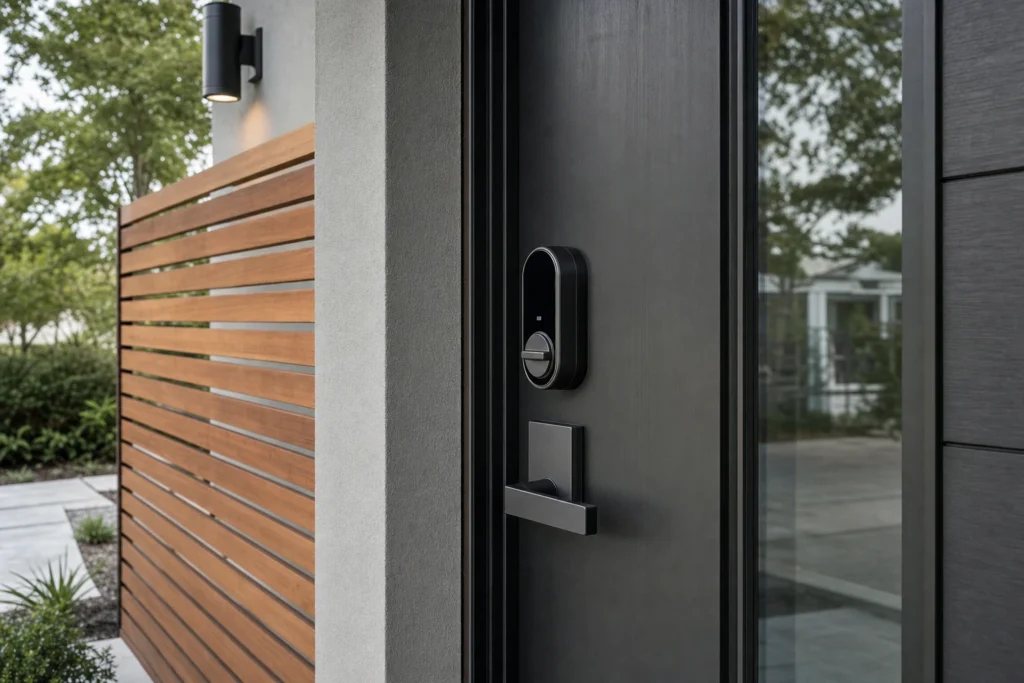
Wi‑Fi locks promised anywhere access. Thread and Matter promised smoother, longer-lasting locks that work even when the internet blips. In 2026, most buyers end up choosing between those two paths. If you are planning smart locks installation this year, here is a clear comparison to help you pick the setup that fits your door, your network, and the way you share access.
Wi‑Fi Smart Locks: Direct Remote Control, Higher Power Draw
A Wi‑Fi lock connects straight to your home router. You open an app on your phone and manage codes, schedules, or one-time access without buying an extra hub. That simplicity is the strongest reason people still pick Wi‑Fi in 2026.
The tradeoff is power and stability. Keeping a radio online enough to reach your router takes energy, so batteries tend to change more often. Many models now throttle connection intervals to save power, which can make status updates feel laggy. If your router is far from the door or your 2.4 GHz band is flooded, reconnection quirks show up as notifications that stick or lock states that appear stale until refreshed.
Compatibility is broad. Most Wi‑Fi models tie into the big voice assistants and common security platforms. If you want straightforward app control from anywhere and you are fine swapping batteries a bit more frequently, this route is still compelling.
Thread plus Matter: Local, Efficient, and Quietly Reliable
Matter is the common language that lets smart home devices talk across ecosystems without custom bridges. Thread is the low-power mesh network many 2026 locks use to carry that Matter traffic around your home. Together, they prioritize local control first. Your phone talks to the lock through a Thread border router, then the internet if needed, instead of every command crossing the cloud by default.
The day-to-day impact is subtle but real. Thread radios sip power, so batteries generally last longer. Mesh routing means the signal can hop through nearby Thread devices if your entry door is at the edge of Wi‑Fi range. Commands feel immediate, and status usually stays accurate because the network is purpose-built for small, frequent messages.
You do need a Thread border router in the home. Many current smart speakers and Wi‑Fi routers include one, but it is worth confirming before you buy. For remote access outside the house, you still need a home hub or a platform that provides secure handoff to the cloud. If you value local control and a quieter, low-maintenance setup, Thread plus Matter is the better long-term bet in 2026.
The 2026 Feature Gap: What Changes With Each Choice
Both camps offer auto-lock, tamper alerts, and guest code scheduling. The differences show up around power, network setup, and how you manage access.
-
Battery life: Thread models typically last longer per set of batteries. Wi‑Fi models balance faster remote reach with higher draw.
-
Setup path: Wi‑Fi pairs straight to your router. Matter over Thread pairs to your home platform and relies on a Thread border router.
-
Remote access: Wi‑Fi provides built-in away-from-home control. Thread models need a hub or platform handoff for off-site control.
-
Noisy networks: Thread meshes around weak Wi‑Fi spots. Wi‑Fi locks depend on consistent 2.4 GHz coverage at the door.
Security, Privacy, and the “New This Year” Details That Matter
The latest smart locks technology in 2026 is less about flashy features and more about closing small gaps. Look for models that support local PIN creation without sending every change to a cloud service. Many 2026 platforms let you manage codes locally with optional cloud sync, so you keep control even during an internet outage.
Biometric keypads have also improved. Fingerprint readers on current locks are faster and less fussy about damp hands than early versions, but you should still keep a physical key and a PIN as backups. Door-position sensors are now integrated in more models, which reduces false “locked” readings on doors that did not fully close. Finally, firmware updates are easier to approve from within home apps, so you are more likely to stay current without setting up a separate account.
On the privacy front, a local-first Thread plus Matter setup keeps more routine commands inside your home network. Wi‑Fi-centric models lean more on vendor clouds for notifications and history logs. Both paths can be secure if you keep software updated and use unique, strong credentials for every account.
Installation Notes: What To Check Before You Buy
Connectivity is only half the story. A smart lock that rubs the strike plate will drain batteries regardless of radio choice, and a deadbolt installed off-center can leave you fighting the door at night. Before ordering, confirm bore size, backset, and door thickness. If the door is steel or fiberglass, check the manufacturer’s guidance for template drilling and reinforcement.
Plan the network piece too. For Wi‑Fi, make sure your 2.4 GHz signal is strong at the door and that your router is set to channels that play well with crowded neighborhoods. For Thread, confirm you already have a Thread border router or are willing to add one as part of your smart home platform. If you want help mapping options to your home, our Residential Locksmith team can talk through hardware fit and access needs before you buy.
Business entries have different patterns. Shared schedules, audit trails, and keypad-first workflows tend to push offices toward local management with reliable remote override. If you are weighing front door upgrades or staff code policies, our Commercial Locksmith team can help match hardware to real access routines.
The Short Answer for 2026
Pick Wi‑Fi if you want the simplest remote access with no extra hub and you do not mind changing batteries more often. Pick Thread plus Matter if you prefer longer battery life, local control, and smoother performance at tricky doors, and you are fine confirming you have a Thread border router in place. If you would like a second set of eyes on your door fit and network layout before you commit, start a quick conversation through Contact Us.